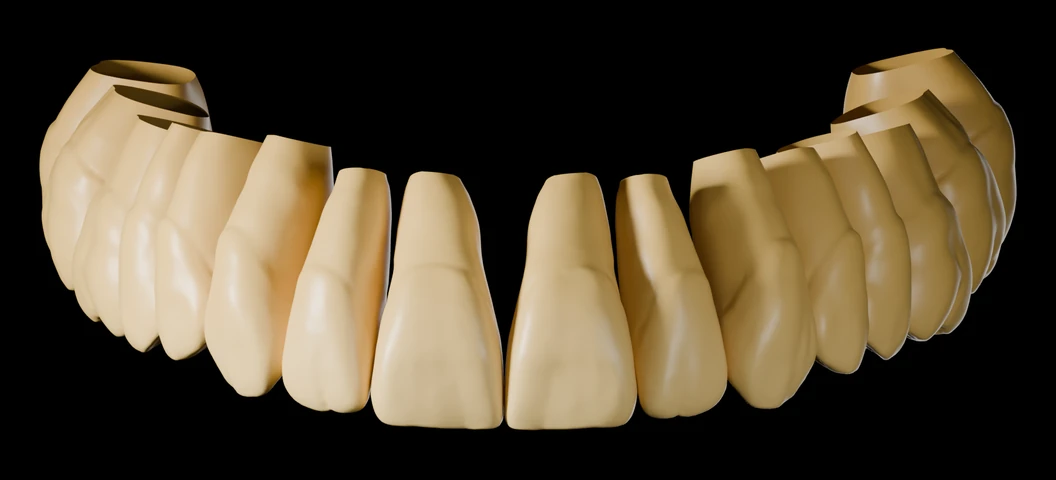
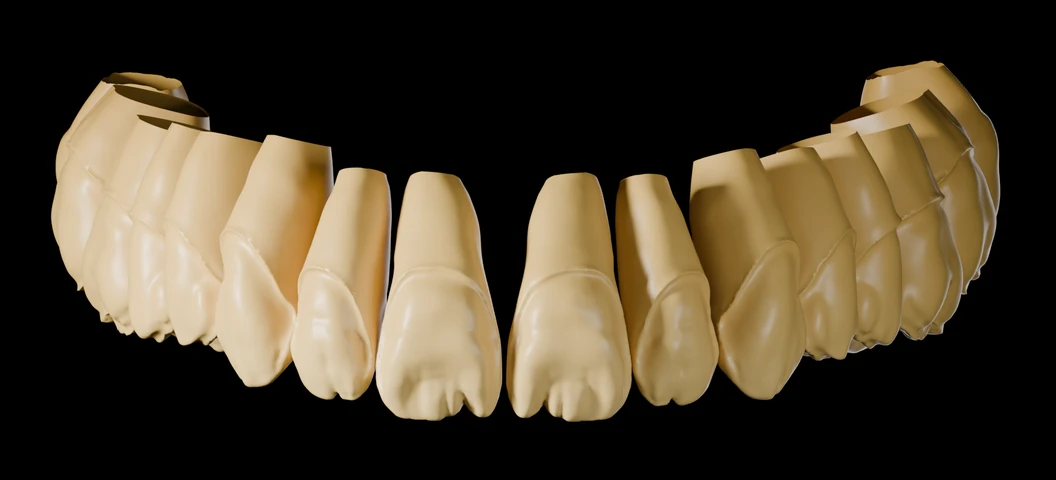
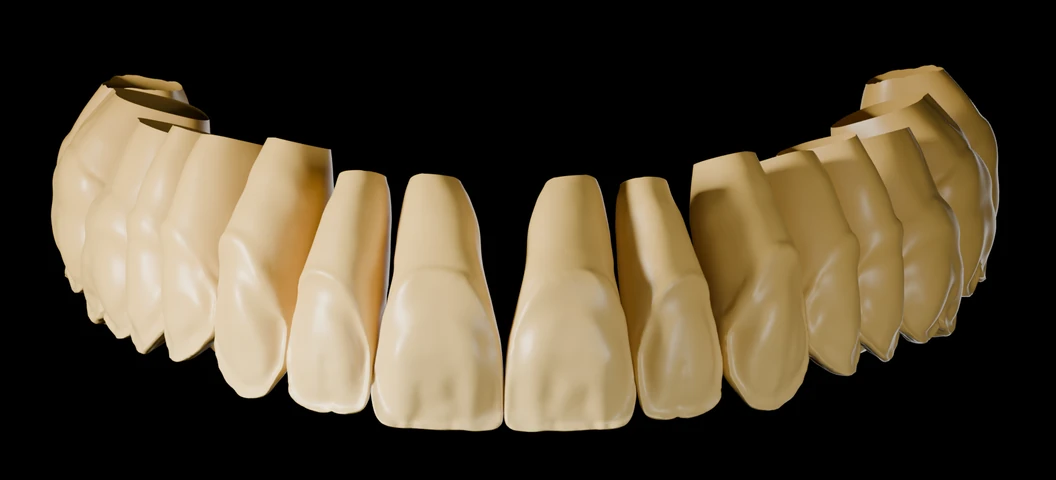
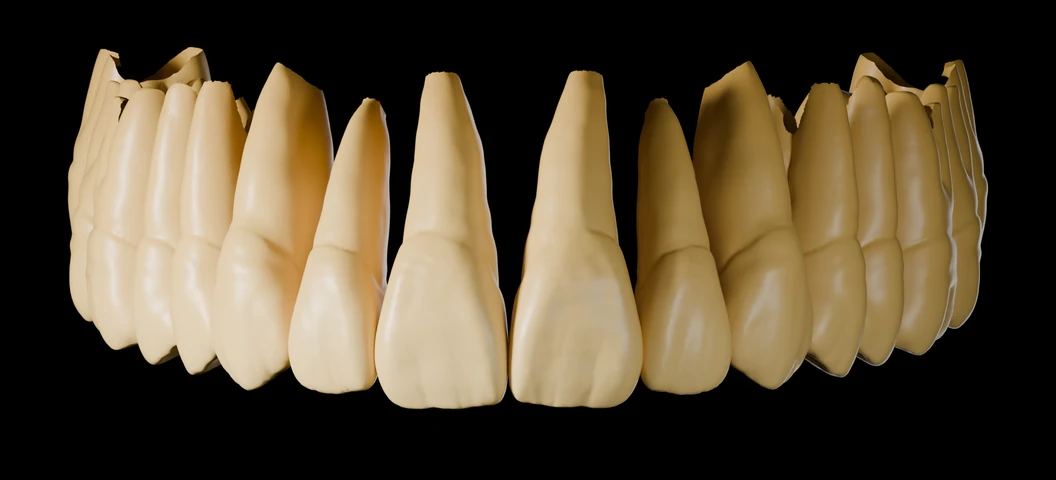
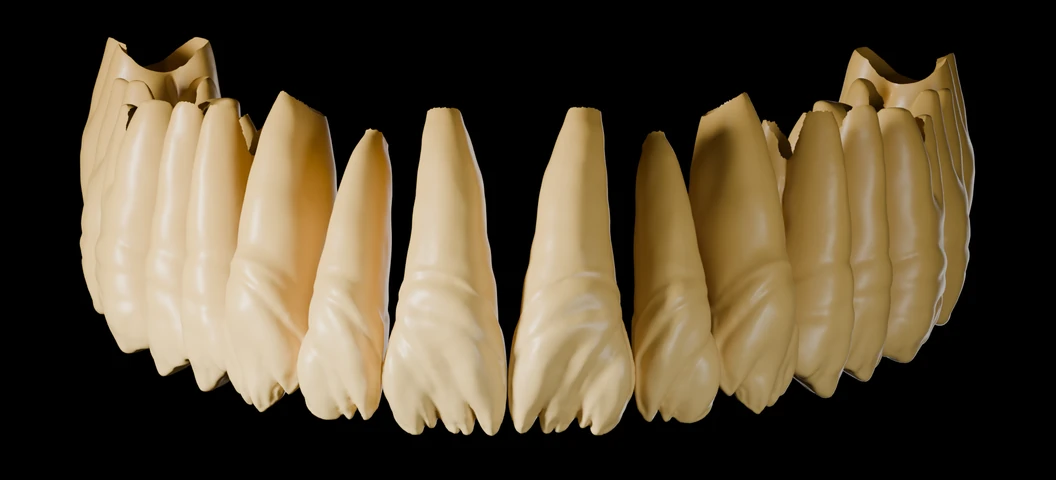
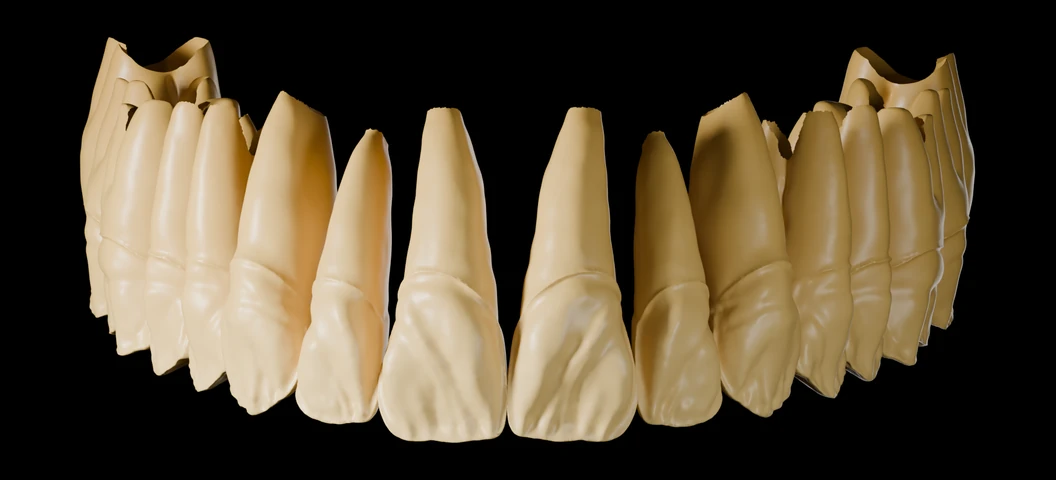
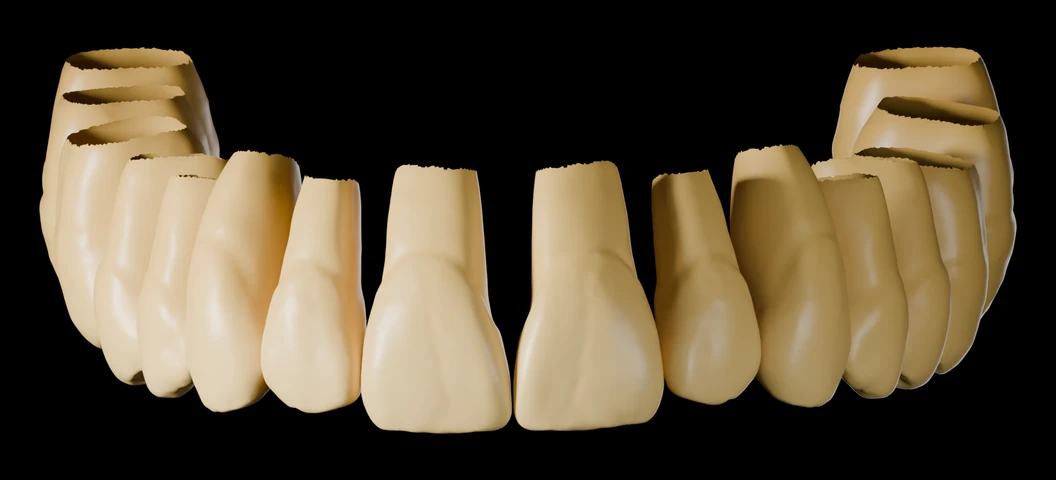
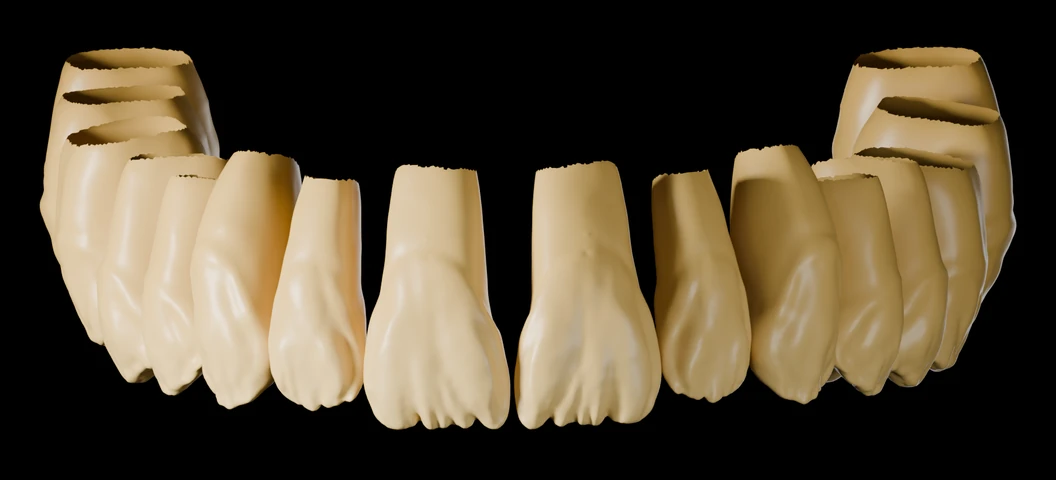
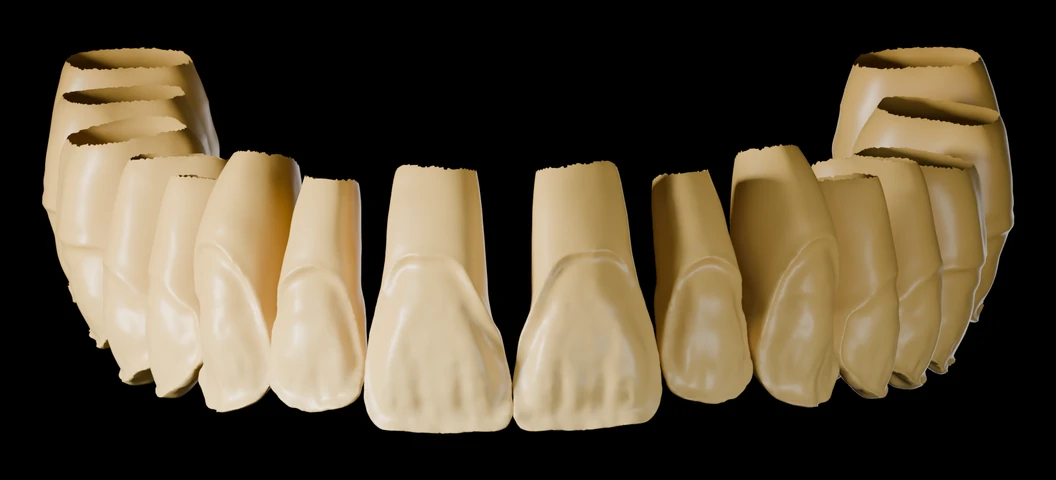
Two Exocad cutback libraries — one-time purchase.

Get the libraries
Exocad cutback libraries for dental technicians

No more manual cutbacks.
Predictable results, every case.

Import once into Exocad. Select your strategy. Get a consistent, ceramic-ready framework in seconds — not minutes.

Get the libraries See what's included →
Installation guide included with purchase
Works directly in Exocad — no plugin needed
Instant download after purchase
2 Libraries
4 Cutback strategies
100% Exocad-native
One-time purchase

Used in daily workflows by professional dental technicians worldwide

The libraries

Two libraries. One standard.

Rotari Library

By Dimitri Rotari

Natural tooth-based morphology developed by Dimitri Rotari. Balanced posterior anatomy with refined anterior forms — designed for a wide range of clinical cases.

Leahu Library

By Dumitru Leahu

Highly artistic morphology hand-sculpted by Dumitru Leahu over ~200 hours of wax work. Every cusp and fissure refined by hand — built for complex esthetic reconstruction.

Get the libraries

One-time purchase · Lifetime access · Installation guide included

Workflow

Cutback
in seconds

Real workflow inside Exocad. Fast, precise, repeatable. No wasted time.

The process

Select, apply, ready to fire

Three steps. No configuration. Your first case is ready in minutes.

Step 01

Select

Choose your cutback strategy from the library panel. Four options — matched to your case type and clinical requirements.

Selecting a cutback strategy in Exocad library panel
Step 02

Apply

Exocad generates the reduced framework automatically. Defined ceramic space — consistent across every case, not estimated by hand.

Applying the cutback library in Exocad — automated framework reduction
Step 03

Mill & Layer

Mill, verify ceramic space, and begin layering. Consistent results from the first case — no adjustments needed.

Milled framework with ceramic layering — final esthetic result
Behind the libraries

Built by technicians.
Used in real cases.

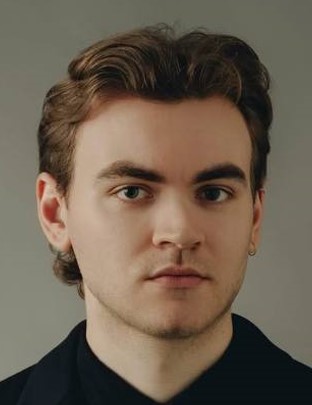
Dimitri Rotari — ceramist, Paris
Dimitri Rotari
Ceramist · Paris, France

Creator of the Rotari Library. Morphology based on natural male tooth forms, refined for daily clinical use.

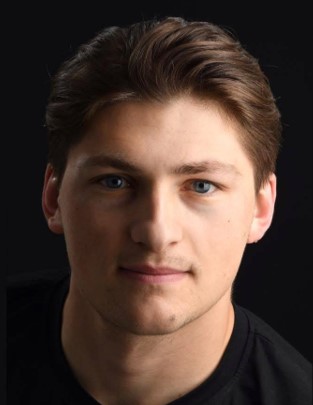
Dumitru Leahu — ceramist, Paris
Dumitru Leahu
Ceramist · Paris, France

Creator of the Leahu Library. Over 200 hours of hand-sculpted wax work translated into a digital cutback system.

Reference tool

Chroma Map developed in collaboration
with Kuraray Noritake

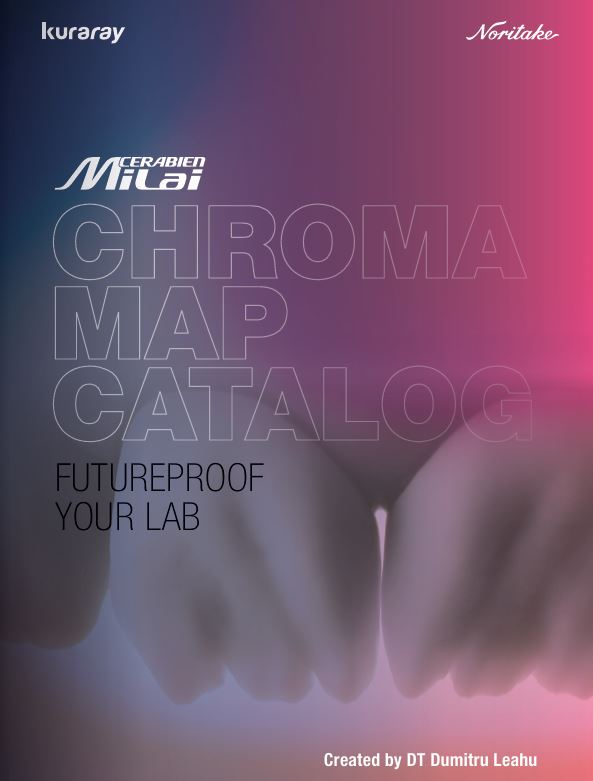
Developed alongside Kuraray Noritake and their CERABIEN™ MiLai micro-layering system, the Chroma Map Catalog translates the logic of the TrueDentalLibrary cutback strategies into real ceramic workflows. It covers six clinical case types — from cosmetic veneers to tetracycline-stained teeth — with precise shade selection, internal staining sequences, and luster porcelain guides. A practical reference for daily use in any lab working with zirconia or lithium disilicate restorations.
Official collaboration
TrueDentalLibrary × Kuraray Noritake
Open full Chroma Map
CERABIEN MiLai Chroma Map Catalog — developed by DT Dumitru Leahu in collaboration with Kuraray Noritake
What's included

Designed for
working technicians

Every detail serves one goal: predictable, repeatable frameworks with no wasted time in the workflow.

4 distinct cutback strategies
Native Exocad .lbr format — no plugin needed
Consistent, defined ceramic space
Communication standard between designer and ceramist
Step-by-step installation guide included
Lifetime access — no subscription
Why it matters

Impact from the first case

−70%

Framework design time

100%

Case-to-case consistency

Ceramic predictability

Clinical revisions

The offer

Both libraries. One price.

Complete bundle

TrueDentalLibrary

Rotari Library + Leahu Library
4 cutback strategies — ready for Exocad

250

One-time purchase · Lifetime access · All future updates included

Rotari Library (2 strategies) Leahu Library (2 strategies) Exocad .lbr files Installation guide Instant download
Get the libraries

Secure checkout via Stripe

Developed in France · Official product · Protected by copyright

Questions? truedentallibrary@gmail.com

Working with

Trusted by dental technicians worldwide

Used in daily workflows across labs in Europe and beyond

and many others

FAQ

Common questions

Delivered as a native .lbr file, compatible with all current Exocad versions. Running an older version? Contact us before purchase and we'll confirm compatibility.

You'll receive an instant download link and a step-by-step installation guide by email. Copy the .lbr files into your Exocad library directory — no plugin needed. Setup takes under 5 minutes.

Yes. All future updates to both libraries are included at no extra cost. You'll be notified by email when updates are available.

Yes. One purchase covers all workstations within your lab. The licence is lab-based, not per-seat. Not intended for redistribution or resale.

Email truedentallibrary@gmail.com — we respond within 24 hours on business days. Follow @truedentalstories and @dt.rotari on Instagram for updates and case studies.